
Skip to content
View in the app

A better way to browse. Learn more.

OCCUPIERWORLD®

A full-screen app on your home screen with push notifications, badges and more.

To install this app on iOS and iPadOS
  1. Tap the Share icon in Safari
  2. Scroll the menu and tap Add to Home Screen.
  3. Tap Add in the top-right corner.
To install this app on Android
  1. Tap the 3-dot menu (⋮) in the top-right corner of the browser.
  2. Tap Add to Home screen or Install app.
  3. Confirm by tapping Install.

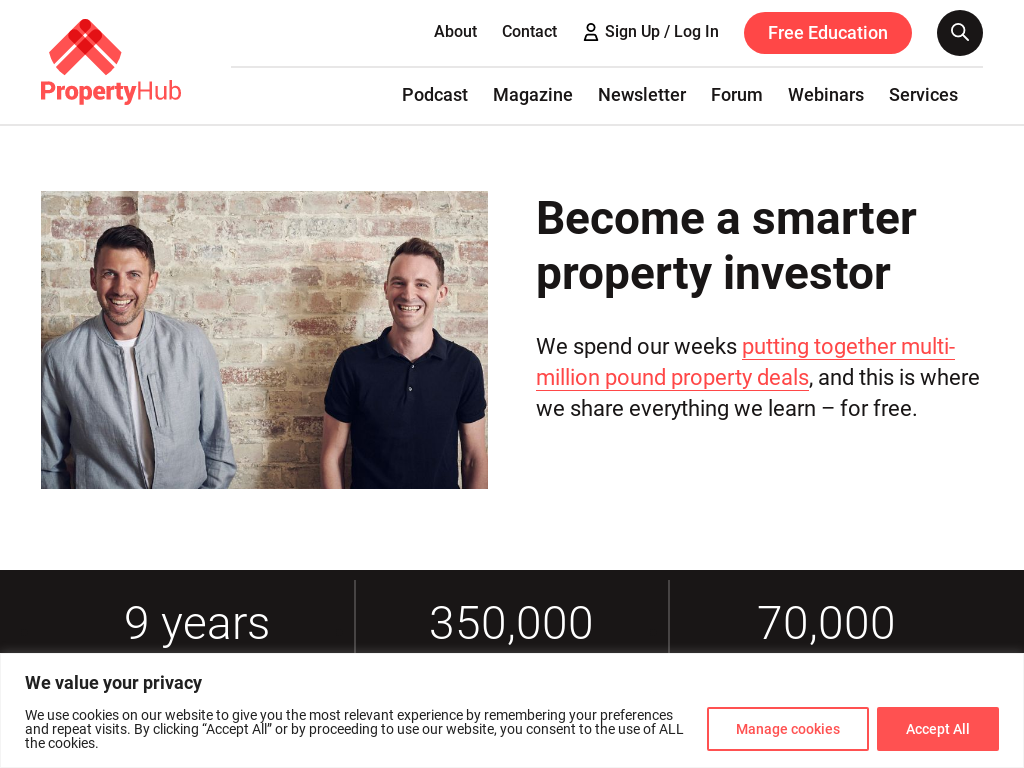
Property Hub started life as a weekly podcast, created by entrepreneurs Rob Dix and Rob Bence, with the aim of showing people what property can do for them. The podcast is still going strong, providing news and essential resources for investors, but due to its popularity, the duo has also established a magazine to help you succeed in the sector.

The best place to go for knowledge, in-depth analysis, inspiration, case studies, property trends and location guides, Property Hub offers global take-aways that all industry companies can benefit from.

User Feedback

Account

Navigation

Search

Search

Configure browser push notifications

Chrome (Android)
  1. Tap the lock icon next to the address bar.
  2. Tap Permissions → Notifications.
  3. Adjust your preference.
Chrome (Desktop)
  1. Click the padlock icon in the address bar.
  2. Select Site settings.
  3. Find Notifications and adjust your preference.